Features

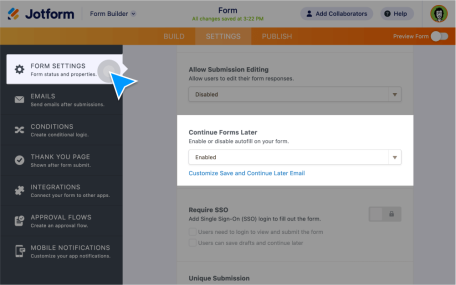
Save & Continue Later

Turn incomplete submissions into the data you need. Let users save their responses to your form and return to complete their submissions later.

Learn More

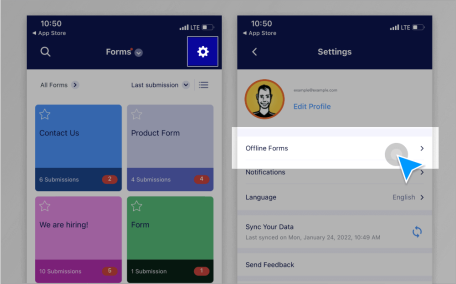
Offline Forms

Collect data offline with Jotform Mobile Forms, our free mobile app! Responses collected offline will be instantly saved and automatically synced to your Jotform account when you reconnect to the internet.

Learn More

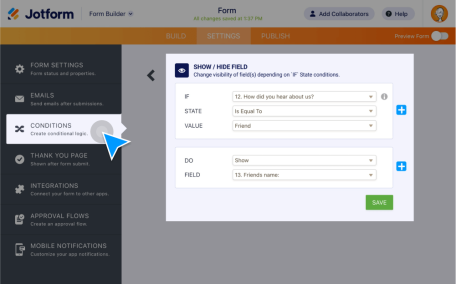
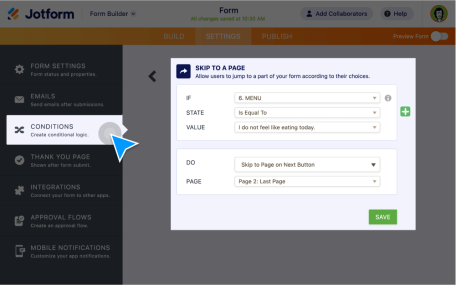
Conditional Logic

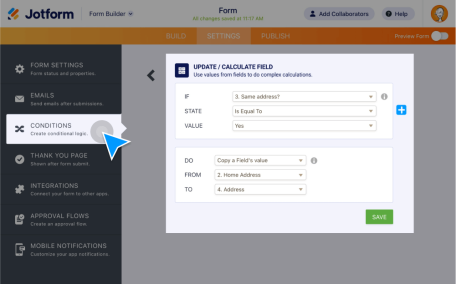
Make your smart forms smarter with conditional logic. Set up your form to show or hide form fields, send emails to certain users, show different thank-you messages, and more all based on how the user fills in your form.

Learn More

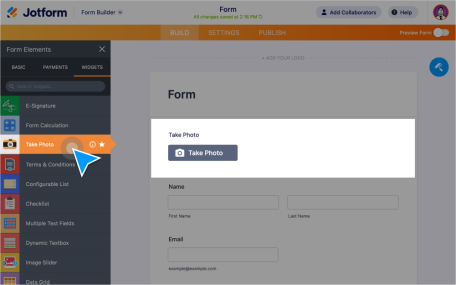
Collecting Photos

Let users upload, take, and preview images within your form. Create a file upload form without any coding and collect images from users from any device.

Learn More

Form Enable & Disable

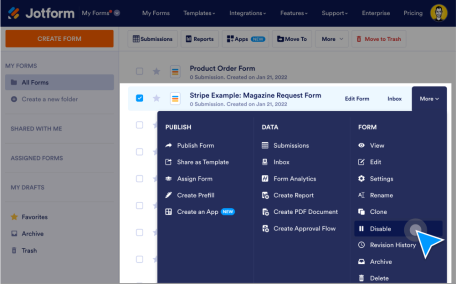
Choose when to accept submissions. Automatically enable or disable your form when it hits a chosen expiration date or submission limit.

Learn More

Conversational Forms

Boost form engagement with conversational forms that ask one question per page. Explore all the powerful features unique to Jotform Cards!

Learn More

Answer Piping

Create a more personalized experience for form users. Use conditional logic to insert, or “pipe,” answers from previous questions into later questions on the same form.

Learn More

Pre-Populate Forms

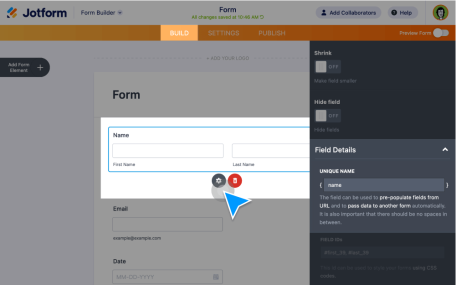
Make it easier for customers, clients, or coworkers to fill out your forms by using pre-populated forms. Pre-populate form fields from previous submissions, other forms, Excel files, and more!
Learn More

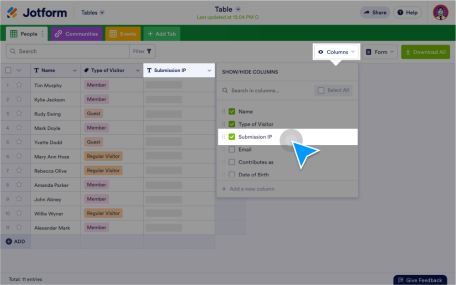
Finding IP Address

Access IP addresses of the form respondents easily. Generate a report with IP address data to understand customer demographics.

Learn More

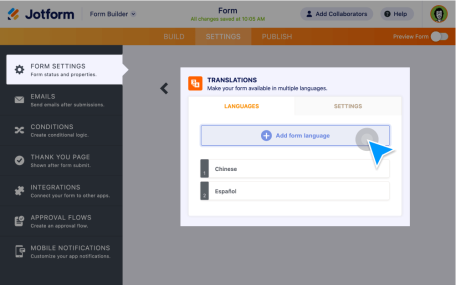
Form Translation

Trying to reach a broader audience online? Set your forms up with translations to let users fill them out in their native language.

Learn More

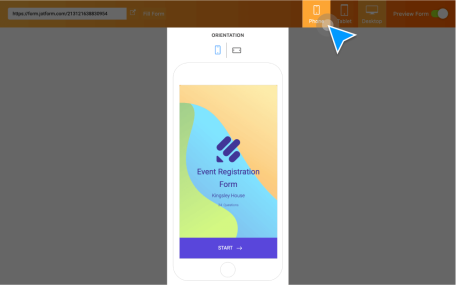
Responsive Forms

Make your online forms easy to fill out on any device. Build forms and surveys that are fully responsive on any computer, tablet, or smartphone without coding.

Learn More

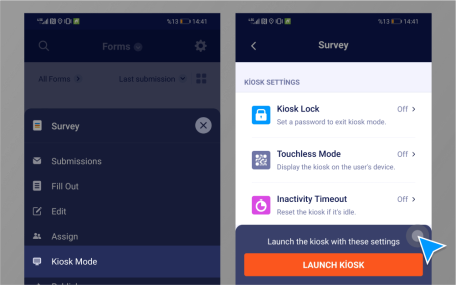
Kiosk Mode

Use kiosk mode online or offline to receive multiple form submissions.

Learn More

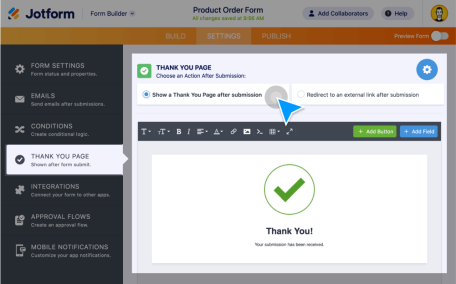
Thank You Page Customization

Want to display a Thank You Page after form completion? It’s easy with Jotform! Either make your own custom Thank You page or redirect your users to a certain page.

Learn More

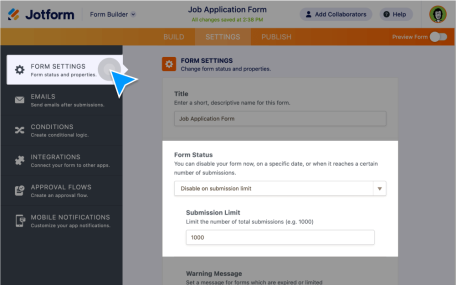
Form Submission Limit

Automatically disable your form when it reaches a chosen submission limit or expiration date, or when duplicate info is submitted.

Learn More

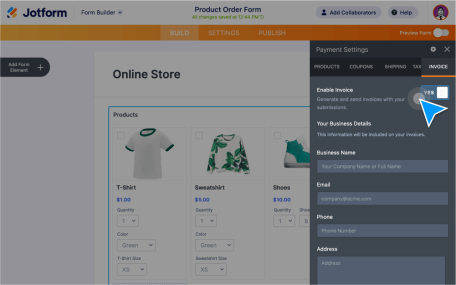
View Invoices

Create custom invoices with your own branding and automatically send them out with every form submission.

Learn More

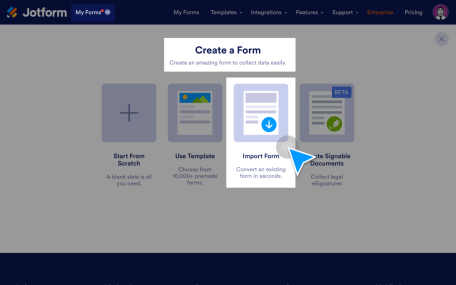
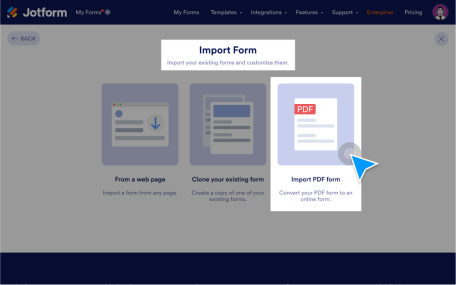
Importing Fillable PDFs

Import your fillable PDFs and turn them into powerful online forms that are easy to fill out from any device. Plus, keep the original PDF layout.

Learn More

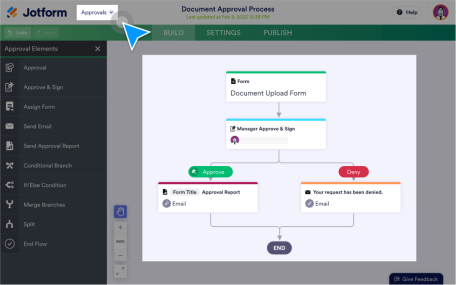
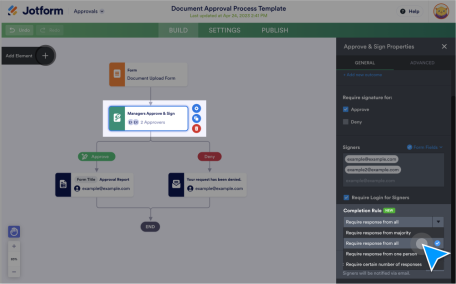
Group Approvals

Streamline the decision-making process with Jotform Group Approvals for your company. Let multiple people submit their approvals, keep track of their activity and oversee your approval process.

Learn More

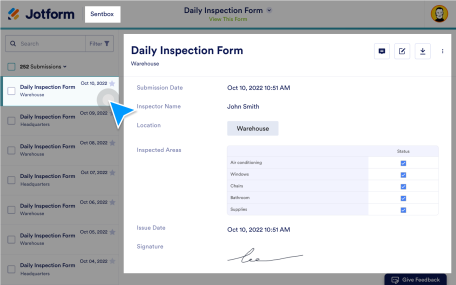
Sentbox

Keep submissions organized, collaborate with others, and find exactly what you’re looking for with search filters. View or edit your submissions through Jotform Sent box.

Learn More

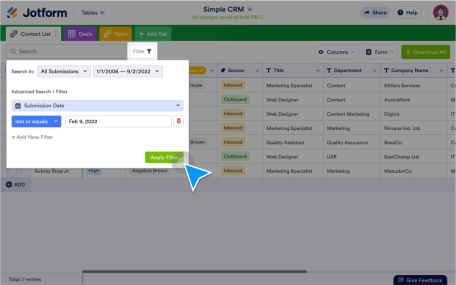
Filtering Submissions

Make the most of your submission data by finding exactly what you need with easy-to-apply search filters in Jotform Tables, Jotform Inbox, and Jotform Report Builder.

Learn More

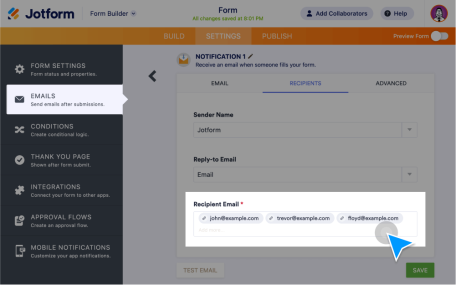
Forwarding Submissions

Send form submissions to your teammates fast. Forward form data via email, Jotform Inbox, or Jotform Tables. Easy to set up with no coding required.

Learn More

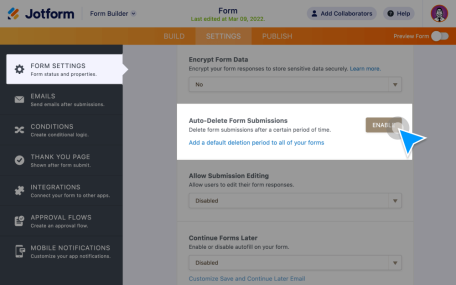
Auto-Delete Submissions

Store form submissions in your email inbox or other third-party apps instead of Jotform. Delete submissions from your Jotform account automatically.

Learn More

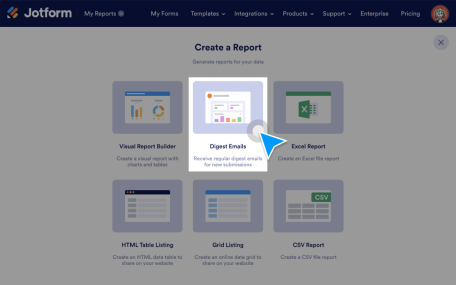
Digest Emails

Receive daily, weekly, and monthly submission updates on selected forms in a single email.

Learn More

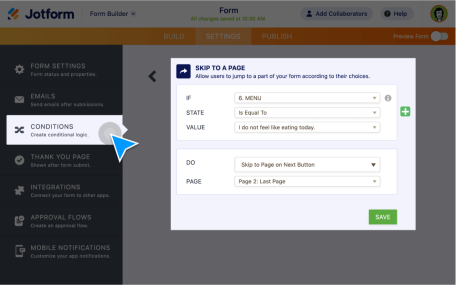
Skip Logic

Speed up the form-filling process and receive form submissions faster with Skip Logic! It uses conditional logic to skip to specific questions or pages based on a user’s previous answers.

Learn More

Logic Jump

Make your forms more interactive with Jotform jump logic! Features include showing/hiding or skipping fields based on user answers.

Learn More

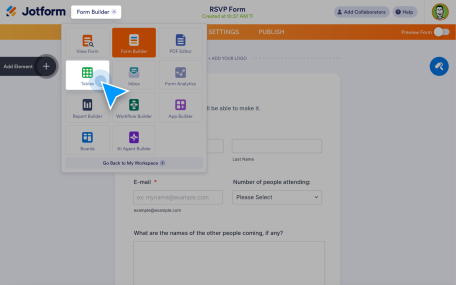
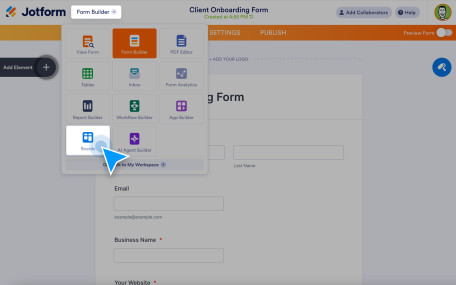
Form Submissions to Tables

Automatically send every form response into a powerful spreadsheet-style workspace. With Jotform Tables, you can turn form submissions to tables instantly — so your data is organized, searchable, and ready to work with the moment someone hits submit.

Learn More

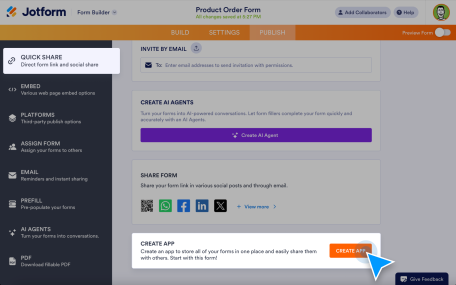
App for Forms

Instead of sending separate form links, organize multiple forms into one branded app that works on any device.

Learn More